
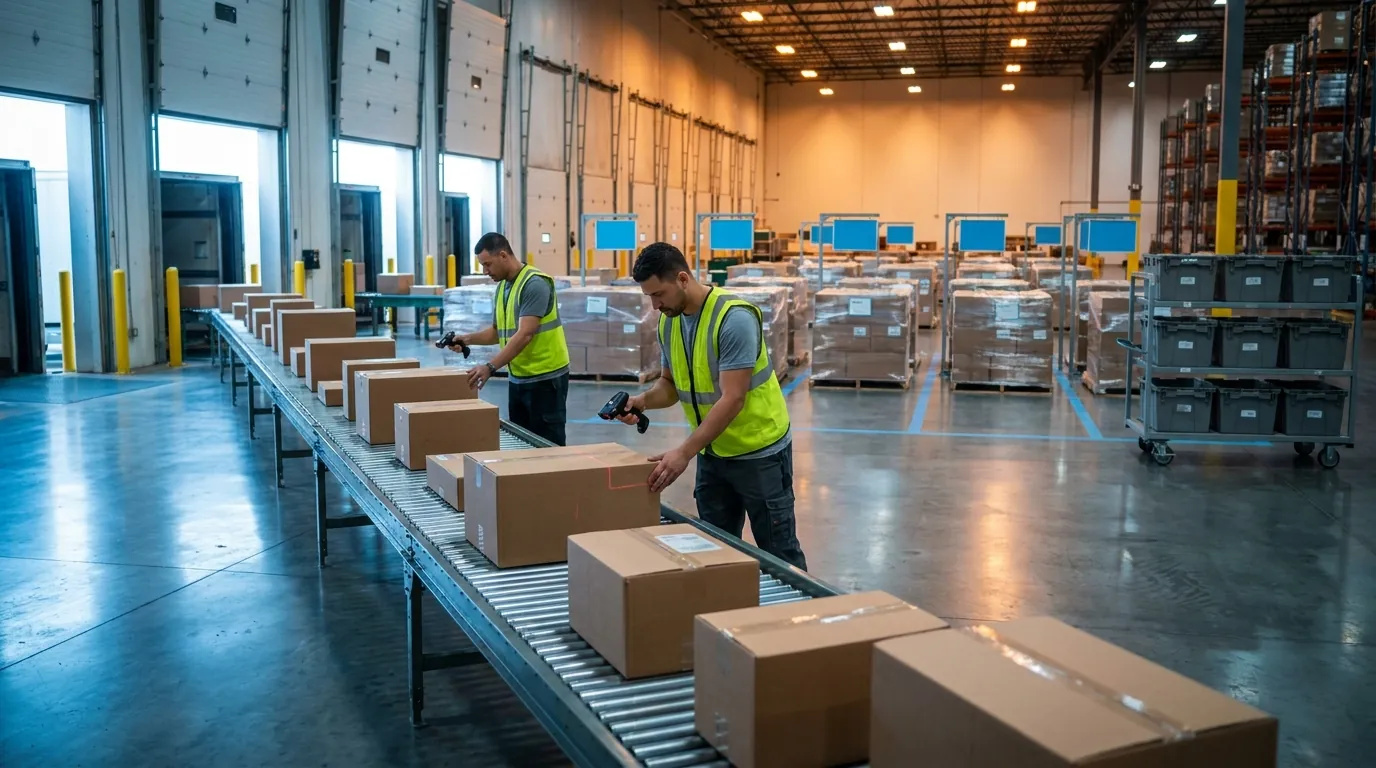
What Is Cluster Picking?
Cluster picking is a method in which one picker gathers items for several orders during a single trip, placing each unit straight into a tote (a container dedicated to one order) on a multi-compartment cart. Because every unit reaches its final order container at the moment of pick, no downstream sort step is needed.
Test it against three defining questions. Are orders grouped before release? Yes, usually into a set sized to fit the cart. Where are items separated into orders? At the shelf, by the picker. What triggers release? A cart's worth of compatible orders becoming available, either on a schedule or continuously. That flexibility is why the method pairs well with both wave and waveless release, covered later.
How the Cluster Picking Workflow Runs
A typical cycle starts when the WMS selects a group of orders, assigns each one to a tote position, and generates a single optimized path through every required location. The picker scans the cart and totes to bind them to orders, then walks the route. At each stop, the handheld shows the SKU, quantity and destination tote. The picker scans the item and confirms placement, often by scanning a tote label or pressing a light. Once the route ends, totes move directly to packing, or they are sealed for shipment if the operation picks into shippable cartons.
Cart and Tote Setup
Cart design sets the ceiling on how many orders travel together. Common configurations hold roughly 6 to 24 totes, depending on tote dimensions and shelf levels. Every position needs a clear, scannable identifier, and many sites color-code or number positions to cut put errors. Tote size has to match the order cube profile. If totes are too small, orders split across multiple containers. If they are too large, the cart carries fewer orders each trip. Some operations pick directly into shipping cartons, which removes a transfer step at pack.
Ideal Order Profile, Benefits and Limits
The approach fits best with small, multi-line orders: typically 2 to 10 lines per order (distinct SKUs on an order), low units per line, and low SKU overlap, meaning few orders share the same SKUs.
Benefits:
- No downstream sort, so no put wall labor or sorter capital
- High accuracy, since each unit is verified into a specific tote
- Less travel, because one trip serves many orders
Limits:
- Cart capacity caps the number of orders per trip
- Bulky, heavy or awkward items do not fit tote-based carts
- Totes can get mixed up if positions are not scan-verified
- Little payoff when most orders are single-line

Cluster Picking vs Batch Picking: The Real Difference Is Where You Sort
Comparing these two methods comes down to one variable: the point where items get separated into orders. With cluster picking, separation happens at the shelf, as each unit drops into its order's tote. Batch pickers instead collect the total quantity of each SKU needed across many orders, and the split into individual orders happens later at a sort station.
Both approaches group orders before release, and both cut travel compared with discrete, one-order-per-trip picking, a contrast covered in most overviews of order picking. The difference is where the labor lands. Sorting at the shelf adds a few seconds per pick for the tote put. Aggregating removes repeat visits to the same location but adds a full sort step afterward. Which method wins depends mostly on how much SKU overlap exists across the orders grouped together. If you also release work in timed waves, see how wave picking works, since waves can feed either approach.
How Batch Picking Works: Aggregate by SKU, Then Sort
The WMS groups orders, sums the quantity of each SKU required, and sends the picker to each location once. If 30 orders each need one unit of the same item, the picker takes 30 units in a single stop. Those units then go to a sort area, most commonly a put wall: a rack of cubbies, each assigned to one order, where an operator scans an item and places it in the lit cubby. Higher-volume sites may use automated sortation instead. Either way, sorting requires dedicated labor or equipment, floor space and a second scan per unit.
Pros and Cons Side by Side
- Shelf-level sorting, pros: no separate sort step, a simpler process, fewer handling touches and strong accuracy where the pick happens.
- Shelf-level sorting, cons: orders per trip are capped by cart size, popular locations get visited repeatedly, and high-overlap order sets lose efficiency.
- Batch, pros: one visit per SKU per batch, larger batches than a cart allows, and efficient handling of high-velocity SKUs.
- Batch, cons: extra sort labor and space, a second touch, work in process waiting at the wall, and a pick-to-sort dependency that stalls orders if either side falls behind.
Accuracy, Error Risk and When SKU Overlap Favors Batch
Errors show up in different places. The cluster method's main risk is dropping an item into the wrong tote, which scan-to-tote verification largely prevents. Batch work has two risk points: miscounted aggregate quantities at the shelf and mis-sorts at the put wall. Scan-and-light confirmation at the wall reduces the second.
Batch becomes the better choice when overlap is high: a promotion where a large share of orders contain the same few items, or a grocery or wholesale replenishment profile with concentrated demand. Consolidating many picks into one stop then saves more time than sorting costs. When overlap is low, you pay for sortation without gaining much consolidation.

Where Wave Picking Fits
Wave picking is not a third way of separating items. It is a release strategy. Orders are grouped into time-bound waves and sent to the floor together, and inside each wave the work can run discretely, by cluster or by batch. Grouping happens at planning time, separation depends on whichever pick method runs within the wave, and release follows a schedule or a planner's decision. Most overviews of order picking list waves alongside the other two methods, which is why they get confused. The better question is not whether to use waves, but whether scheduled release solves a constraint your operation actually has.
Wave Planning Criteria, Sizing and Release
Waves usually form around a constraint: carrier cutoffs, delivery routes, pick zones or labor per shift. Sizing balances two pressures. Larger waves create more chances to combine work. Smaller ones shorten how long orders sit and absorb late changes more easily. Release, the moment a planned wave's tasks become visible to pickers, is often timed so picking, packing and staging finish before the truck departs.
Drawbacks: Idle Time and Consolidation
Waves produce peaks and troughs. Pickers stand around at the tail end while the slowest tasks close out, and packers wait at the start. Multi-zone orders need consolidation before packing, adding a staging step that affects the pack bench (our guide to picking and packing done right covers that handoff). An order arriving just after release waits for the next wave and can miss its cutoff. Planner time is a hidden cost, too: someone builds, monitors and adjusts waves all shift.
Waveless and Dynamic Release
Waveless picking, also called dynamic release, feeds work continuously based on priority, due time and available resources. A cart's worth of orders goes out once enough compatible orders exist, or sooner if a deadline is close. Workload evens out, but the WMS must re-prioritize in near real time and see downstream pack and ship capacity. Sites often pilot it in one zone or for one channel first, which keeps risk contained while supervisors learn how the release rules behave under real volume.
Cluster vs Batch vs Wave: Three-Way Comparison Table
Laid out criterion by criterion, the three approaches compare like this:
- Grouping logic: cluster combines orders to fill a cart; batch pools orders and aggregates SKU quantities; wave bundles orders into timed releases.
- Sort step: none for cluster, since sorting happens at the shelf; batch requires a put wall or sorter; wave inherits whatever the embedded method uses.
- Cart and tote setup: cluster uses a multi-tote cart with one tote per order; batch uses a bulk tote or cart followed by a put wall; wave accepts any setup, often zone carts plus consolidation.
- Best-fit profile: cluster suits 2-10 lines/order, low units/line and low SKU overlap; batch suits high overlap, small items and high volume; wave suits hard cutoffs, routes and shift-based labor.
- Accuracy risks: wrong-tote puts for cluster; count errors and mis-sorts for batch; consolidation errors across zones for wave.
- Required WMS features: cluster needs cluster rules, tote binding and path optimization; batch needs aggregation and put wall logic; wave needs wave planning, release rules and monitoring.
- Failure modes: cluster runs into cart capacity and bulky items; batch hits sort bottlenecks and WIP buildup; wave suffers idle time and missed late orders.
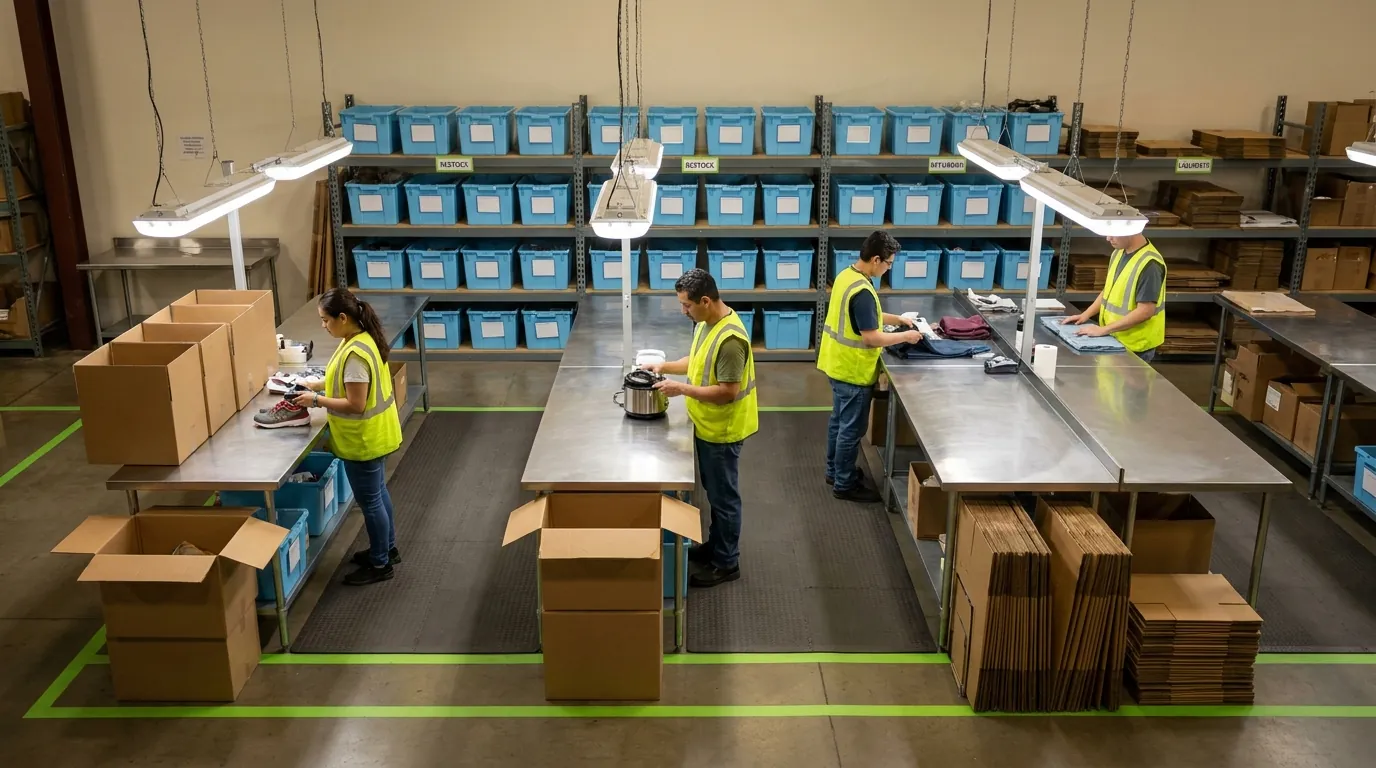
Worked Example and Decision Framework
Abstract comparisons only go so far. Below, one order profile runs through four methods using simple assumptions. The numbers are not benchmarks; they show where travel savings and sort labor offset each other, so substitute your own time studies. Watch the pattern rather than the totals: clustering removes most travel without adding a step, batching removes more stops but gives some time back at the sort, and waves add coordination cost worth carrying only when a cutoff or route demands it.
One Order Profile, Four Methods (Illustrative)
Profile: 200 orders averaging 3 lines (600 lines), small items, moderate SKU overlap.
- Discrete: 200 trips at roughly 4 minutes of travel (800 min) plus 600 picks at 15 seconds (150 min). Total: about 950 minutes.
- Cluster, 8-tote cart: 25 trips at 7 minutes (175 min) plus 600 picks at 20 seconds, tote put included (200 min). No sort. Total: about 375 minutes.
- Batch with put wall, 4 batches of 50: overlap cuts 600 lines to roughly 420 location visits. Travel 48 min, picks 126 min, put wall at 6 seconds per line 60 min, handling 20 min. Total: about 254 minutes.
- Wave-cluster, 4 waves tied to cutoffs: partial carts push trips to 30 (195 min), picks 200 min, end-of-wave idle 20 min. Total: about 415 minutes.
A Break-Even Rule of Thumb for Adding a Sort Step
A sort step earns its place when the stops it eliminates outweigh the work it adds:
(Stops eliminated × time per stop) > (lines sorted × sort seconds each) + extra handling
Here, overlap removes 180 stops. At 30 seconds apiece, that saves 90 minutes against 80 minutes of sorting and handling, so batch wins narrowly. Drop overlap to 5 percent (30 stops, about 15 minutes saved) and cluster picking comes out ahead. Measure overlap per batch, not as a site average, since it shifts by day and channel.
Decision Matrix: Matching Method to Operation
- Order volume: low volume favors discrete or cluster; high volume justifies put wall investment.
- Lines per order: single-line orders suit batch; 2 to 10 lines suit cluster; very large orders suit discrete or zone picking.
- SKU overlap: scattered demand across big catalogs favors cluster picking; concentrated demand favors batch.
- Item size: bulky items limit cart-based methods.
- Cutoff pressure: hard carrier or route deadlines favor waves or deadline-aware waveless release.
- Layout: long travel magnifies aggregation savings; multi-zone buildings call for zone-cluster plus consolidation.
For more options beyond these three, see our guide to order picking solutions.
Hybrid Models, Exceptions and Enabling Technology
Few mid-sized or large operations run one pure method. Most pair a release strategy with a pick method and adjust by order type, zone or time of day. The aim is to keep each approach where it wins: cluster picking for multi-line orders, batching for overlap-heavy demand, and waves or dynamic release when carrier cutoffs dominate. Hybrids only hold up if exceptions are handled cleanly, so both are covered below.
Wave-Cluster, Wave-Batch and Zone-Cluster
Wave-cluster releases waves timed to cutoffs, then executes each one as carts of grouped orders. It suits sites where truck departures set the rhythm of the day. Wave-batch releases waves of single-line or high-overlap orders for aggregated picking and put wall sorting, a frequent choice during promotions. Zone-cluster keeps pickers in assigned zones. Either one order tote travels through every zone (pick-and-pass), or each zone fills its own totes for later consolidation. Once fixed waves feel rigid, many sites move to waveless cluster picking, forming carts continuously by priority. Compact layouts face similar tradeoffs, covered in our comparison of micro-fulfillment versus traditional warehousing.
Handling Short Picks, Rush Orders and Tote Mix-Ups
- Short picks mid-wave: the device should let the picker flag a short. The WMS then routes the task to an alternate location, triggers replenishment or holds the tote until complete, rather than shipping a partial order.
- Rush orders: insert priority orders into the next cart formed, or release them as urgent single-order tasks, without rebuilding the whole wave.
- Tote mix-ups: require scan-to-tote confirmation, bind totes to orders at cart start and verify contents at pack. Correcting an error on the floor costs far less than a customer return.
RF, Pick-to-Light, Put Walls and AMRs
RF and mobile devices are the baseline: they guide paths, verify scans and capture exceptions. Pick-to-light and put-to-light on carts reduce wrong-tote errors and speed each put. Lit put walls make batch sorting faster and more accurate. Autonomous mobile robots (AMRs) can ferry totes between pickers stationed in zones, cutting walking further. Technology amplifies a sound method; it cannot rescue a mismatched one.
Signals It Is Time to Switch Methods
- Pickers pass the same location repeatedly within one cart: overlap is rising, so test batching.
- Put wall operators wait on pickers, or pickers wait on the wall: rebalance batch size or revert to clusters.
- Orders arriving just after release regularly miss cutoffs: shift toward dynamic release.
- Idle time at the end of each wave keeps growing: shrink waves or go waveless.
- Average order size drifts toward a single line: single-line batching likely wins.
How a WMS Orchestrates Cluster, Batch and Wave Picking
Each method covered so far depends more on configuration than on hardware. The principles in earlier sections hold no matter which system runs your floor. What follows describes the controls a warehouse management system can provide to put them into practice, and the questions worth asking of any platform you evaluate.
A capable WMS can let operations teams define picking strategies by order type, sales channel, zone or time window. That means cluster, batch and wave logic could run side by side in the same building, with the mix changing as the order profile shifts. For example, small parcel orders might move into carts during peak season while bulk replenishment orders stay in scheduled waves. When reviewing software, ask how a strategy change is made: by a supervisor editing a rule, or by a project that requires outside help. The answer determines how quickly you can respond to the switching signals listed above.
Batching Rules, Cluster Rules and Tote Assignment
Cluster rules control how many orders form a cart, which orders are compatible (grouped by zone, carrier, order size or priority) and how each order maps to a tote position. A picker starting a cart should see exactly which slot belongs to which customer.
Batching rules work differently. They aggregate SKU quantities across orders for a single pick trip, then assign each order to a put wall location for downstream sorting. Look for control over maximum batch size, since an oversized batch can starve the wall of work early in the shift and flood it later.
Container binding ideally happens at cart start. Every tote is linked to its order before the first pick, so each put is scan-verified. This supports the accuracy controls discussed earlier in the article.
Wave Release Logic and Pick-Path Optimization
In a well-configured system, waves can be built around truck departure times, routes, zones or staffing levels. Supervisors should be able to choose between scheduled waves and continuous, priority-driven release. When a rush order arrives, the software ideally inserts it without rebuilding work already in progress.
Pick-path optimization sequences locations across every order in a cart or batch to cut travel distance. In the worked example, that sequencing is where most of the savings came from. Test it against your own slotting, because a path engine that ignores one-way aisles or mezzanine stairs will produce routes that pickers quietly abandon.
KPI Tracking Mapped to Decision Criteria
Each decision criterion lines up with a metric a WMS can track:
- Lines per hour reflects travel and cart efficiency.
- Accuracy rate reflects tote and sort controls.
- Cost per order captures travel savings net of sort labor.
- On-time-to-cutoff shows whether release logic is working.
Viewing these numbers by method helps teams spot the switching signals described above. Two examples are cluster picking accuracy slipping as cart size grows, or batch sort labor eating into travel gains. Rules can then be adjusted based on data rather than assumption. Review them on a fixed cadence, weekly during peak and monthly otherwise, so drift is caught before it shows up as missed trucks.
Request a Demo to see Sphere WMS in action.
Frequently Asked Questions
What is cluster picking?
Cluster picking is a method where one picker gathers items for several orders during one trip, placing each unit directly into a dedicated tote on a multi-compartment cart. Because items are separated at the shelf, no downstream sort step is needed. Carts commonly hold roughly 6 to 24 totes, depending on tote dimensions and shelf levels.
What is the difference between cluster picking and batch picking?
The main difference is where items are separated into orders. Cluster picking sorts at the shelf as each unit goes into its order's tote, while batch picking collects the combined quantity of each SKU across many orders and splits them later at a put wall or sorter. Batch saves trips back to popular locations but adds a second touch and dedicated sort labor.
Is wave picking a picking method or a release strategy?
Wave picking is a release strategy rather than a way of separating items into orders. Orders are grouped into time-bound waves, often around carrier cutoffs, delivery routes, zones or shift labor, and the work inside each wave can run discretely, by cluster or by batch. Typical drawbacks include idle time as waves close out and late orders waiting for the next release.
When should I use batch picking instead of cluster picking?
Batch picking makes sense when SKU overlap across grouped orders is high, such as during a promotion or with concentrated grocery or wholesale demand. A practical test: add sortation only when stops eliminated multiplied by time per stop exceed sorting time plus extra handling. Measure overlap per batch rather than as a site average, since it shifts by day and channel.
What order profile works best for cluster picking?
Cluster picking fits small, multi-line orders best, typically two to ten SKUs per order with low units per line and few orders sharing the same items. It offers little payoff when most orders are single-line, since there is little travel to consolidate. Bulky, heavy or awkward items also tend to be a poor fit because they do not fit tote-based carts.
What is waveless picking?
Waveless picking, also called dynamic release, sends work to the floor continuously based on priority, due time and available resources instead of fixed scheduled waves. A cart of compatible orders goes out once enough orders exist, or sooner if a deadline is close. Workload evens out, but the WMS must re-prioritize in near real time and see downstream pack and ship capacity.