
What Is an Enterprise WMS? Defining the Tier by Cost, Implementation Time, and Customization
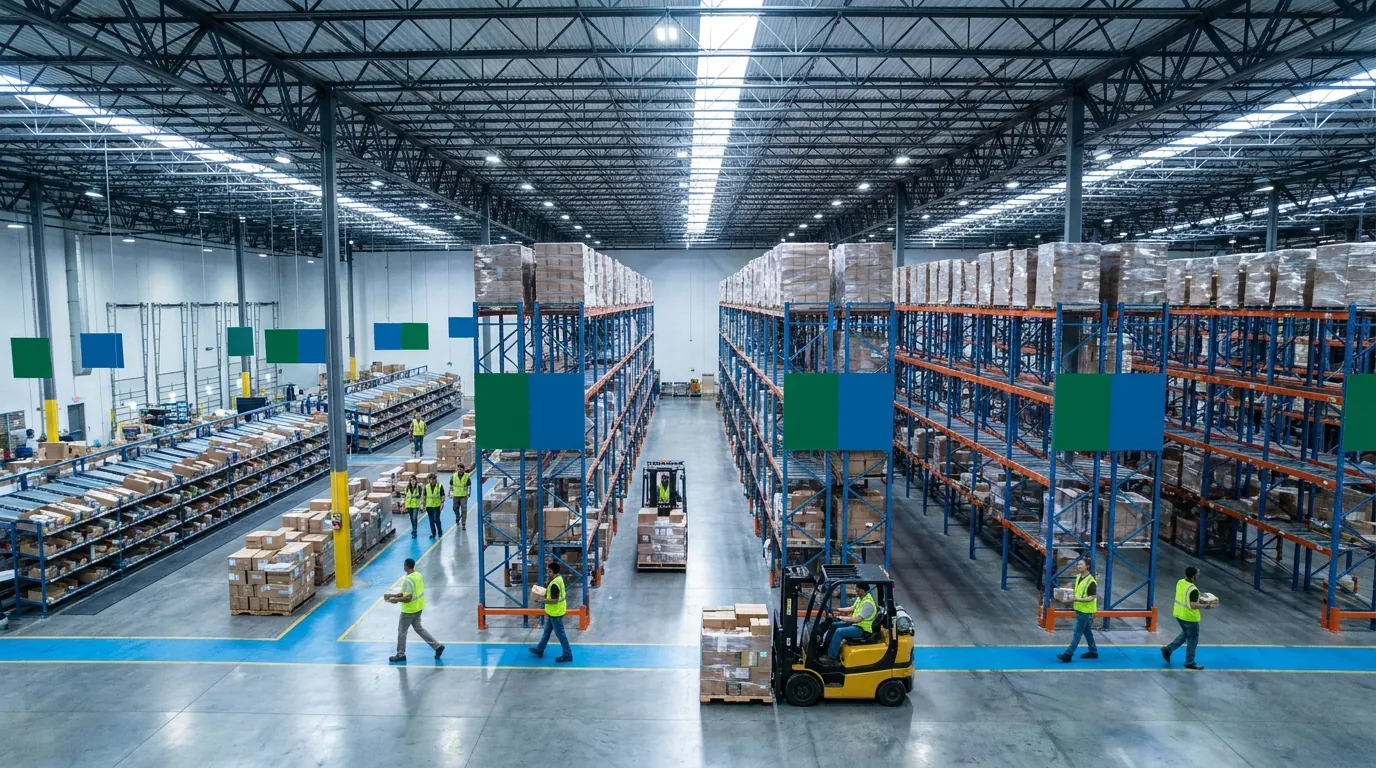
An enterprise WMS is a warehouse management system built for large, complex distribution networks. These include high-throughput DCs, multi-site (often multinational) operations, and buildings running conveyors, sortation, AS/RS, and robotics. Day to day, it handles the same core jobs as any serious WMS: receiving, putaway, replenishment, picking, packing, shipping, and cycle counts. The feature list is not what sets the tier apart. The difference is in how the software is bought, deployed, and maintained.
In practice, three traits define it:
- Total cost of ownership that reaches well into six or seven figures
- Implementations that run many months to over a year
- Deep customization that usually needs dedicated IT staff or an outside integrator
For a 500,000-square-foot DC with automated sortation, those traits are the price of control. For a 60,000-square-foot distributor or a 3PL serving a handful of clients, they are often overhead with no operational payoff.
Total Cost of Ownership: The License Is Only the Beginning
Large-platform pricing has typically centered on perpetual licenses or sizable annual subscriptions, charged per site, user, or module. Yet the license is frequently a minority of total spend. Implementation services from the vendor or a systems integrator can match or exceed it. On top of that come annual maintenance fees (commonly a percentage of the license), on-premise or private-cloud infrastructure, RF hardware, integration middleware, and test environments. You also pay the salaries of project team members pulled off daily operations.
Costs continue after go-live. Customizations must be retested, and sometimes rebuilt, at every upgrade. Many owners also keep a full-time WMS administrator on staff. Model five years rather than year one, and ask each vendor to include your internal labor, not just their invoice.
Implementation Timeline: Why 12 to 18 Months Is Common
These projects run long because the scope is big. A typical plan covers requirements discovery, solution design, configuration, and custom development. It also includes ERP and TMS integration, automation interfaces, data migration, several testing rounds, training, and a phased go-live, sometimes one site at a time. Each phase pulls in operations leaders, so the project competes with peak season, client onboarding, and daily firefighting.
For a growing business, a long timeline carries real risk. Volume, client mix, or facility footprint may shift before launch, and the requirements you designed around may be outdated by then. A shorter deployment reduces the chance of building a system for a company you no longer are. Speed has its own traps, though; our post on avoiding pitfalls in rapid WMS implementations covers what tends to go wrong when teams rush.
Customization Depth and IT Dependency
Big platforms are prized because they can model almost any workflow: custom task interleaving, unusual cartonization logic, site-specific putaway algorithms, and bespoke client billing. That flexibility usually comes from a mix of deep configuration and custom code. The trade-off is dependency. A report tweak or a new client workflow may require a developer, a change order, or an integrator ticket.
Heavy customization also makes upgrades harder. The further a system drifts from its standard release, the more effort each update takes. That is why some operations run versions that are years old. If you lack dedicated IT capacity, ask whether you need customization or configuration. Most warehouses without an IT department need configuration: adjustable rules, user-defined locations, and workflows that operations staff can set up without programmers.
Enterprise WMS vs. Inventory Software vs. ERP Warehouse Modules
Searches for "top WMS software" tend to blend three categories.
- Basic inventory software tracks quantities by SKU, sometimes by location, but rarely directs work. It tells you what you have, not what each worker should do next.
- ERP warehouse modules extend financial and purchasing systems onto the floor. They help with record-keeping but are often thin on execution features like directed putaway, wave planning, and RF task management.
- A true WMS, cloud-based or enterprise-grade, is an execution system. It drives floor tasks through mobile scanning, enforces location-level accuracy, and sits between your ERP or ecommerce platforms and the people doing the work.
For most growing operations, the real choice is not between an inventory app and a big platform. The question is which tier of genuine WMS fits their complexity.

Core Capabilities of Warehouse Management System Software
Before comparing tiers, set a baseline. Any warehouse management system worth the name should track product through your building from dock to dock, with scan-based verification at each step. If a product can't handle the fundamentals below, it isn't really a WMS, whatever the marketing says. (For a broader primer, see our guide to warehouse management systems.)
These capabilities are not exclusive to the enterprise tier. Modern cloud platforms commonly cover receiving, directed putaway, several picking methods, cycle counting, and ERP and ecommerce integrations. Tiers tend to differ in depth and scale: complex labor engineering, heavy automation orchestration, and highly specialized workflows. Use the descriptions below as a scoping tool. Mark each capability as needed today, needed within two to three years, or nice to have. That list becomes the backbone of your evaluation.
Receiving and Putaway
Receiving is where inventory accuracy is won or lost. Look for receipt against purchase orders or advance ship notices (ASNs), flags for over, short, and damaged quantities, capture of lot, serial, and expiration data, and license plate numbers (LPNs) for pallets or cartons. Putaway should be directed: the system suggests a location based on velocity, capacity, dimensions, or zone rules, and the operator confirms by scanning. Your team should be able to adjust those rules without code. If someone currently decides where product goes from memory, directed putaway alone can improve accuracy and shorten training.
Picking Strategies: Wave, Batch, and Zone
Picking is typically the largest labor cost in a warehouse. Discrete picking (one order at a time) is simple but slow at volume. Batch picking lets one person collect items for several orders per trip, which is common in ecommerce. Zone picking assigns workers to areas and consolidates orders between them. Wave picking releases groups of orders by carrier cutoff, priority, or route. A capable system supports the methods your order profile needs, optimizes pick paths, and enforces scan verification. Enterprise platforms often add advanced wave planning plus put walls, pick-to-light, and sortation. Be honest about whether your volume requires that, or whether well-run batch and zone picking gets you most of the gain.
Cycle Counting and Inventory Accuracy
Annual wall-to-wall counts halt operations and still leave you guessing the rest of the year. Cycle counting replaces them with scheduled counts of a subset of locations, often prioritized by ABC analysis or triggered by exceptions such as a zero-quantity pick. The software should generate count tasks, push them to mobile devices, record variances, and require approval for large adjustments. Variance reporting then shows whether errors start at receiving, putaway, or picking, so you fix root causes instead of correcting counts again and again.
Labor Management
At a basic level, labor tracking records who did which task and how long it took, by user, task type, and shift. At the high end, a labor management system (LMS) uses engineered standards built from travel distances and task components to measure performance and support incentive pay. That depth suits operations with hundreds of workers or union environments. For a team of 15 to 60, task-level productivity data usually covers training, workload balancing, and peak staffing. Before paying for a full LMS, ask whether supervisors would act on engineered standards, or whether simple reports showing units per hour by task would drive the same coaching conversations. A full LMS is one of the features that most often pushes buyers into enterprise pricing.
3PL Billing
For third-party logistics providers, billing accuracy is margin. The system should capture billable events automatically (receiving, storage, pick and pack, kitting, labeling, accessorials), apply client-specific rate cards, and produce invoices without monthly spreadsheet rebuilds. It should also separate inventory by client and give each client visibility into its own orders.
Multi-client support matters as much as invoicing. One account may want special receiving checks, another custom labels, a third strict lot control, and the software should let you configure those per account rather than forcing one process on everyone. Some large platforms handle billing through custom modules or add-ons, while some cloud vendors build it into the core product. Whichever approach a candidate takes, run a month of real activity through its rate engine during evaluation, compare the output with what you actually invoiced, and include your messiest client contract in the test.
ERP, TMS, and Ecommerce Integrations
A WMS rarely works alone. It pulls orders and item data from ERP or ecommerce platforms, returns shipment confirmations and stock updates, and often exchanges data with a TMS for rating and carrier tendering. For 3PLs, EDI with retail partners is often the hardest part of onboarding. Enterprise WMS projects frequently depend on custom builds and middleware; cloud platforms more often offer prebuilt connectors and APIs, though coverage varies. List every system you need to connect, then ask each vendor how each link works: native connector, partner integration, API, or custom project. The answer shapes both timeline and total cost.
Enterprise WMS vs. Cloud WMS vs. Basic Inventory Tools: Side-by-Side Comparison
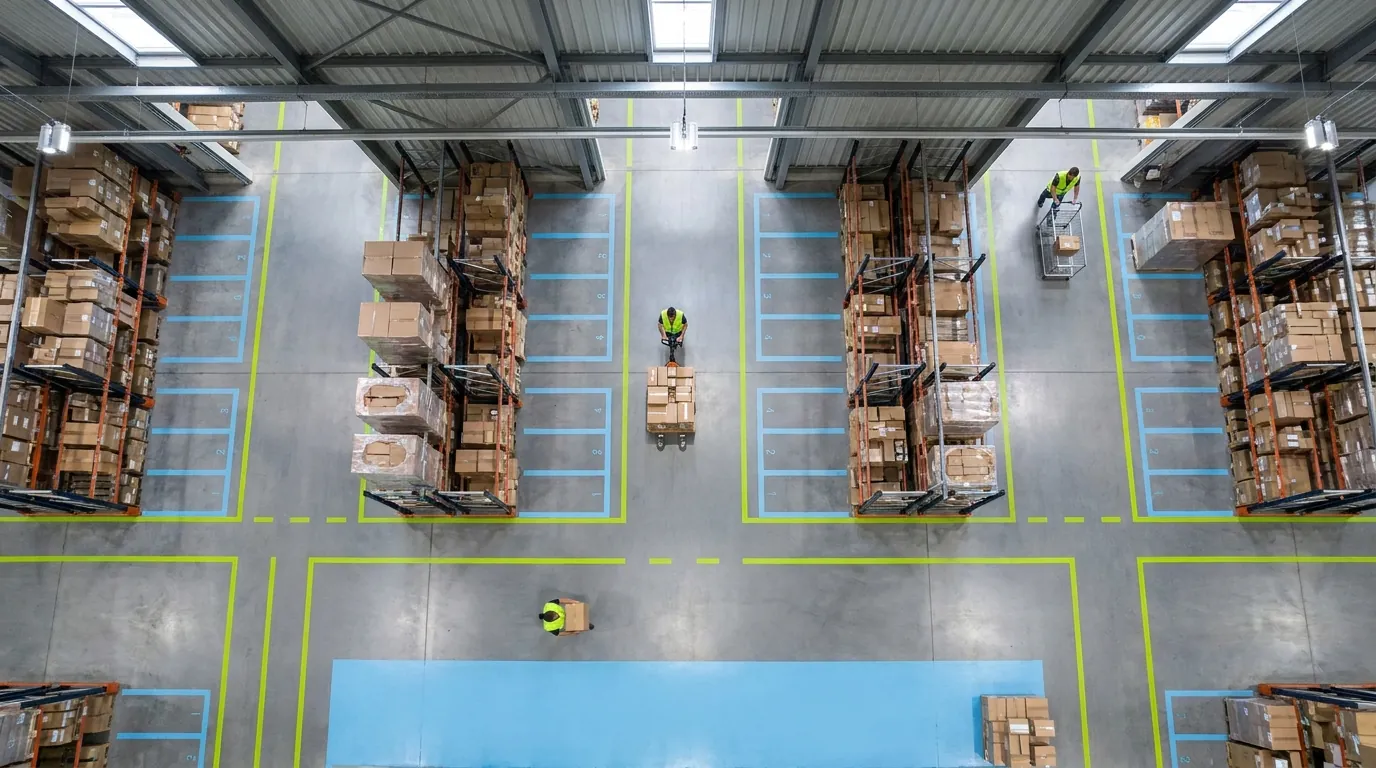
When operations teams build a shortlist, they usually end up weighing three tiers of software. The breakdown below lines them up on the factors that tend to drive the decision. Treat the ranges as generalizations that show typical patterns, not quotes. Real pricing and timelines swing widely by vendor, scope, and number of sites. For background on how these systems developed, the Wikipedia overview of warehouse management systems is a reasonable starting point.
- Primary purpose: Simple stock trackers exist to count quantities. Cloud WMS products direct and verify warehouse execution. Enterprise suites orchestrate high-volume, multi-site, often automated networks.
- Cost structure: Entry-level tools usually carry a low monthly fee. Cloud platforms charge a subscription, often based on users, sites, or volume. Large platforms pair a big license or subscription with services, maintenance, and infrastructure.
- Deployment: Basic apps run as SaaS or desktop software. Cloud systems are vendor-hosted SaaS. The top tier may sit on-premise, in a private cloud, or with the vendor.
- Implementation time: Days for an inventory app, weeks to a few months for most cloud products, and many months to 18 or more for enterprise rollouts.
- Directed putaway and picking: Rare in stock trackers, standard in cloud software, and present in big suites with advanced optimization layered on.
- Cycle counting: Manual or rudimentary at the low end; built in for both cloud and enterprise products.
- Labor management: Absent from inventory apps. Cloud vendors vary, with many offering per-user, per-task productivity reporting. Enterprise suites often include engineered standards and a full LMS.
- 3PL multi-client billing: Not available in basic tools. In the cloud segment it depends on the vendor, and some build it in. Large systems often deliver it through add-on modules or customization.
- Automation and MHE integration: None for entry-level apps, limited to moderate for cloud platforms depending on the product, and extensive at the enterprise level.
- Customization model: Minimal for simple tools; configuration by ops staff for cloud WMS; deep configuration plus custom development for big platforms.
- IT requirement: None, low, and a dedicated IT team or integrator, respectively.
- Best fit: Very small, simple operations for inventory apps; growing warehouses, distributors, ecommerce sellers, and 3PLs for cloud WMS; large DCs and complex multi-site networks for enterprise software.
The pattern worth noticing: the cloud tier already delivers the core execution features covered in the previous section, including directed putaway, guided picking, and cycle counts. The enterprise end adds depth in automation, labor engineering, and bespoke code. It also brings the price tag and IT headcount that this depth requires.
What the Comparison Table Doesn't Show
Any side-by-side summary flattens nuance, so keep four cautions in mind.
The categories overlap. Some cloud platforms comfortably handle higher volumes, and several large-system vendors now sell hosted editions with shorter deployments. Judge the specific product against your requirements rather than trusting the label on the brochure.
Readiness drives timelines. How long a project runs depends as much on your team as on the software. A clean item master, documented processes, and an internal owner with time to make decisions will shorten any rollout. Missing any of those can stretch even a simple go-live.
Cost includes attention. A large-scale implementation pulls your strongest supervisors and analysts away from daily operations for months. During a growth period, that diverted focus carries a real price that never shows up on an invoice.
Cheap can turn expensive. A basic inventory app that cannot handle lot tracking or per-client billing forces spreadsheets and manual workarounds. Those hours, plus the errors that come from rekeying data, add up fast. Third-party logistics providers feel this most, since billing accuracy ties directly to revenue. Our piece on practical ways to improve 3PL performance covers where those gaps usually appear.
The goal is to match the tier to the work, not to shrink one line item. For many growing operations, cloud software covers today's needs and leaves room to expand, and that is the segment Sphere WMS is built to serve.

When Does a Growing Warehouse or 3PL Actually Need an Enterprise WMS?
Growth by itself is not a reason to move up a tier. Plenty of operations double or triple their volume without outgrowing a well-chosen cloud system. The real question is whether your complexity, not just your size, has reached territory that only enterprise software handles well.
Candor helps here. Some situations genuinely call for an enterprise platform, and ignoring them sets you up for a second migration a few years down the road. Other times the pressure comes from a vague belief that "serious companies use serious software." The triggers below signal true need, and the list after them describes where cloud tools do the same job. Compare both against your current operation and a realistic three-year plan, not the most optimistic slide in your growth deck.
Five Triggers That Point to an Enterprise System
- Very high order volume with tight cutoffs. When one building processes tens of thousands of order lines a day and wave planning has to juggle several carrier cutoffs, advanced optimization starts to pay for itself.
- Multi-site complexity at scale. Running many distribution centers, particularly across countries with different languages, currencies, tax rules and transfer logic, is a classic case for the enterprise tier.
- Heavy automation and material handling integration. Conveyors, sortation, AS/RS, goods-to-person robots and pick-to-light all need software (often paired with a warehouse control or execution layer) that can direct equipment in real time.
- Engineered labor management. Incentive pay programs, large unionized workforces and performance measured against engineered standards usually justify a full labor management system.
- Truly unique workflows that drive competitive advantage. If your processes are unusual and central to how you win business, custom development may be worth its cost and the IT commitment that comes with it.
Signs a Cloud WMS Covers the Same Ground
Cloud software is likely the better fit if most of these describe you: one to a few facilities; daily orders in the hundreds to low thousands; manual or lightly automated picking with carts, RF scanners or mobile devices; standard workflows (receive, put away, pick, pack, ship, count) even when each client's rules differ; and a small IT team, or none at all.
The case gets stronger when your biggest problems are basic ones: inventory nobody can find, mis-picks, slow onboarding for new hires, 3PL billing built in spreadsheets, clients emailing for stock updates, and no real-time visibility. Directed tasks, scan verification and a client-facing WMS portal address those issues, and mid-market platforms commonly include them. Buying automation orchestration you won't touch for years does not fix any of this faster, and a long implementation can push the fix further out.
A Quick Self-Assessment for Operations Leaders
Work through these questions honestly with your team:
- Do we run more than a handful of sites, or expect to within three years?
- Are we installing, or committed to installing, sortation, AS/RS or robotics?
- Do we need engineered labor standards, or is task-level productivity visibility enough?
- Are our workflows genuinely unique, or standard processes with client-specific rules?
- Do we have, or plan to hire, dedicated IT staff to maintain warehouse software?
- Can operations absorb an implementation lasting 12 months or more alongside daily work and peak season?
- Is our budget built for a multi-year total investment in the six figures or higher?
Mostly "yes" answers mean an enterprise system deserves serious evaluation. Mostly "no" answers mean your shortlist should center on cloud platforms, judged hard on the capabilities you will actually use. If you land in that second group, the next section explains how to compare those platforms fairly.
How to Choose the Best WMS Software for Your Operation
The best WMS software is the one that fits your volume, complexity, team, and budget, and that people on the floor will actually use. Selections often go wrong because buyers compare feature checklists instead of their own workflows, or accept polished demos built on generic sample data.
Start with your operation instead. Document how you receive, put away, pick, pack, ship, and count today, including the exceptions. List your integrations, client requirements if you run a 3PL, and your growth plan. Then hold every vendor to that reality, whatever tier you are considering.
Evaluation Criteria That Actually Matter
Weight these above long feature lists:
- Workflow fit: Can it run your documented processes, exceptions included, through configuration rather than custom code?
- Floor usability: Can a new hire become productive quickly on the mobile/RF screens? Watch real users try it.
- Integration coverage: How does it connect to your ERP, ecommerce channels, shipping software, and client systems? Our overview of common WMS integrations covers what to check.
- 3PL readiness: Multi-client inventory, client-specific rules, and billing that handles your rate cards.
- Scalability: Can it absorb three years of growth and a second site without a re-platform?
- Reporting: Real-time inventory, order status, and productivity data without an IT request.
- Support model: Who helps after go-live, and how fast?
Score vendors against your processes, not against each other's marketing.
Calculating Total Cost of Ownership Over Five Years
For each finalist, project five years of subscription or license fees, implementation services, integration builds or connector fees, data migration, hardware (scanners, label printers, network upgrades), training, support, hosting if not vendor-hosted, and internal staff time during and after rollout.
Add the less visible costs too: change orders for new workflows, upgrade testing on customized systems, and disruption from a long rollout. Then estimate the cost of under-buying or standing still: mis-picks, inventory write-offs, picking overtime, and unbilled 3PL activity. A clear model often makes the tier decision obvious and gives finance a defensible case.
Implementation Questions to Ask Every Vendor
Request specifics, not ranges:
- How long does a typical implementation take for an operation our size?
- Who does the work, and what does our staff contribute each week?
- How is item master, location, and inventory data migrated and validated?
- Which integrations are prebuilt, and which need custom work?
- Can we change workflows, putaway rules, or reports ourselves after go-live?
- Do configurations carry forward through upgrades automatically?
- What training do supervisors and floor staff receive?
- What does support look like during go-live week and beyond?
How specific the answers are tells you as much as what they say.
Red Flags During the Evaluation
Slow down if demos never show your workflows, only canned scenarios. Be wary of vague timelines, reluctance to describe your team's workload, and core needs like lot tracking, cycle counting, or client billing answered with "we can customize that." Integration plans that amount to "you'll need a developer," pricing that stays fuzzy until after a long discovery phase, and screens requiring many taps to confirm a pick are also warning signs.
The mismatch can run the other way: a low-cost inventory tool sold as a WMS that cannot direct putaway or enforce scan verification. Mislabeled products are one reason "best WMS" rankings are unreliable, since they often compare tools from different categories.
Where Sphere WMS Fits for Small and Mid-Sized Warehouses and 3PLs
Sphere WMS is designed for warehouses, distributors, ecommerce fulfillment operations, and 3PLs at the smaller and midsize end of the market, not the largest enterprise networks. If the signs earlier in this article pointed toward heavy automation orchestration across many sites or labor engineering for a very large workforce, a true enterprise WMS may serve you better.
If instead you see growing volume, standard workflows that need structure and scan verification, a lean IT team, and a need for value on a reasonable timeline, put Sphere on your shortlist. Bring your workflows, integration list, and, for 3PLs, your rate structures, then use the criteria and questions above to judge fit. Request a Demo to see how Sphere WMS handles your operation.
Frequently Asked Questions
What does enterprise WMS mean?
It is warehouse management software built for large, complex distribution networks, such as high-throughput DCs, multi-site operations, and buildings with conveyors, sortation, AS/RS, or robotics. Its core floor functions match any serious WMS: receiving, putaway, picking, packing, shipping, and counts. What sets it apart is total cost of ownership in six or seven figures, implementations lasting many months, and deep customization that usually needs in-house IT staff.
How long does an enterprise WMS implementation take?
Projects commonly run 12 to 18 months, and multi-site rollouts can take longer. The scope includes requirements discovery, solution design, configuration, custom development, ERP and TMS integration, automation interfaces, data migration, several testing rounds, training, and a phased go-live. Each phase pulls in operations leaders, so the project competes with peak season and daily work. Cloud systems typically deploy in weeks to a few months.
What does an enterprise WMS cost beyond the license?
The license is often a minority of total spend. Implementation services can match or exceed it, and you also pay annual maintenance fees, infrastructure, RF hardware, integration middleware, test environments, and internal staff time. After go-live, customizations must be retested at each upgrade, and many owners keep a full-time WMS administrator. Build a five-year cost view, including your own labor, rather than looking at year one.
When does a growing warehouse actually need an enterprise system?
You likely need one when complexity, not just size, outgrows simpler tools. Common triggers include tens of thousands of order lines a day with tight carrier cutoffs, many distribution centers across countries, heavy automation like sortation or goods-to-person robots, a full LMS for large workforces, and truly unique workflows central to winning business. Volume growth alone is not a reason to move up a tier.
Can a cloud WMS replace an enterprise system for a mid-sized operation?
For many lean warehouses and 3PLs, yes. If you run one to a few facilities, ship hundreds to low thousands of orders a day, pick manually with RF scanners, and have little IT staff, a cloud WMS usually covers receiving, directed putaway, batch and zone picking, cycle counting, and integrations. It also tends to be configured by operations staff rather than developers.
What is the difference between a WMS and an ERP warehouse module?
An ERP warehouse module extends financial and purchasing systems onto the floor and mostly supports record-keeping. A true WMS is an execution system: it directs floor tasks through mobile scanning, enforces location-level accuracy, and sits between your ERP or ecommerce platforms and the workers. ERP modules are often thin on features like directed putaway, wave planning, and RF task management.